
Software
Old Over New
Most retro projects bring the new world to old Macs. We're doing the opposite: building the old world's know-how into a layer that modern Mac apps stand on
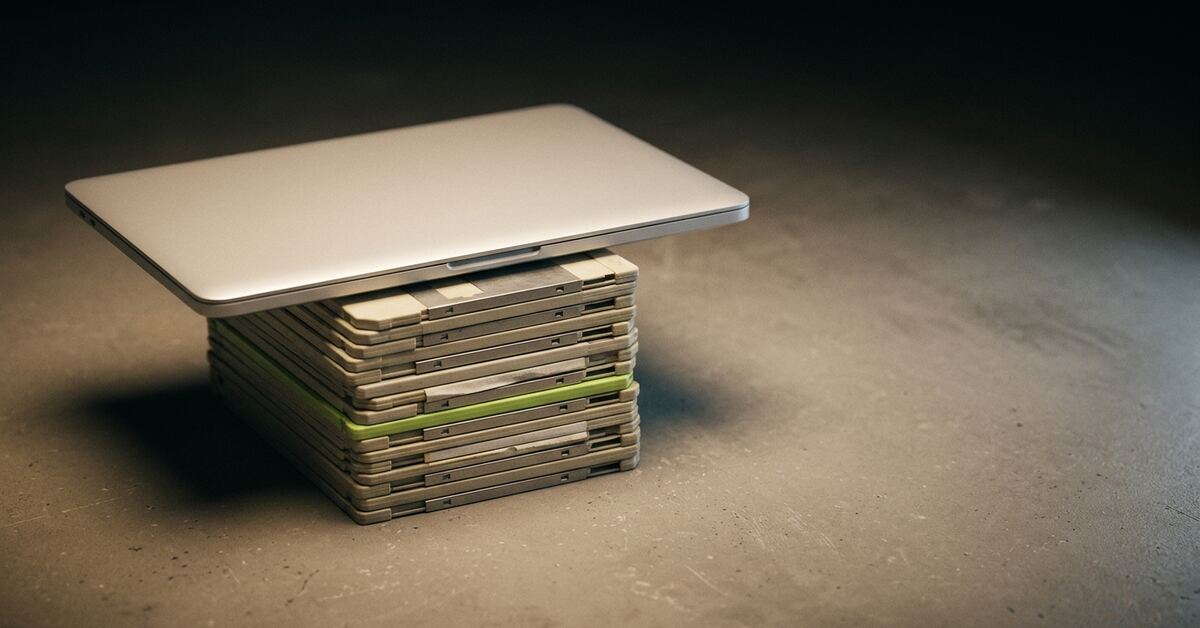
The retro Mac world has become brilliant at one particular trick: bringing the new to the old.
An SD card pretends to be a SCSI hard disk. A little board pretends to be a floppy drive. A Wi-Fi modem lets a Mac Plus dial into a bulletin board that is really a Raspberry Pi. An emulator puts a whole Quadra in a window on your desktop. Each of these takes something modern and slides it underneath, or alongside, a machine from 1987, so the old thing keeps working.
We love all of it. We use most of it. But over the last year we have found ourselves building in the other direction, and it has turned into the most interesting thing we have done.
We are taking the old world (its disks, its archives, its networks, its printers and fonts) and turning what we know about it into a layer that modern Mac apps are built on. Not an emulator you visit, but a foundation you build on. Old over new.
New over old bringing the new to the old machine
Old over new bringing the old world to the new machine
- Disk Phoenix
- PhoenixTalk
- PhoenixPrint
- PhoenixScope*
- PhoenixShare*
- Programming Workshop*
* planned
A Mac that can no longer read its own past
Start with a slightly uncomfortable fact. A brand-new Mac cannot read a disk made by an old one.
For most of the Macintosh’s life, disks were formatted with HFS, the Hierarchical File System, from 1985 onwards. Apple kept support for reading it long after it stopped mattering to most people. Then, in macOS Catalina in 2019, it quietly went. Plug in a Zip disk from 1996, open a disk image of a System 7 floppy, and today’s Finder will shrug.
Before HFS there was MFS, the flat filing system of the original 128K Mac. Beside both of them sits the Apple Lisa, which had a filing system of its own that no modern Mac has ever understood. Then there are the containers: DiskCopy images, DART archives, self-mounting images and dozens of others, and the archive formats every download passed through, such as StuffIt, Compact Pro and BinHex.
None of this is exotic to anyone reading this blog. It is simply what a Mac was for twenty years. Almost all of it has become unreadable by the machine on your desk.
So we keep an old Mac mini running macOS High Sierra, on purpose. It is one of the last versions of macOS that still reads HFS natively. When our own code writes an old-style disk, that little machine is our referee: it tells us whether the result is a disk a real Mac would accept. It will never be upgraded. Upgrading it would destroy the one thing it is for.
Disk Phoenix, and the thing that grew inside it
Disk Phoenix started life as a reasonably simple idea: a modern Mac app that opens classic disk images and lets you browse them the way you remember. Real icons, real file names, real type and creator codes, Icon view and List view. Then drag the files out, or convert the documents into something today’s apps can open.
To do that properly, it had to learn an awful lot:
- how to walk an HFS catalog, and how MFS and HFS+ and Lisa volumes differ;
- how to unpack a whole shelf of disk image and archive formats, several of which nobody ever published a specification for;
- how to turn a Mac Roman or Shift-JIS file name into something macOS will display correctly;
- how to read a resource fork, and draw a 1988 icon at today’s screen density;
- how to translate a MacWrite or ClarisWorks document into RTF or Word.
Along the way we built other apps too. PhoenixTalk is a full AppleTalk router, a modern take on the old GatorBox, that lets emulated Macs and real ones share one network. PhoenixPrint is a printer that classic Macs can print to: a squat, platinum desktop printer that happens to live on your modern Mac. Disk Phoenix learned to act as an AppleShare file server, so an emulator can mount the disk images you have open.
And then we noticed something.
The knowledge was trapped
All of that hard-won understanding of the old world lived inside Disk Phoenix. About 74,000 lines of it: the file systems, the archives, the document translators, the code that writes disks back out. It was all tangled into one application.
The networking side had already been done properly. AppleTalk, AppleShare, PostScript printing, classic fonts and movies each lived in a shared kit: a self-contained library that any of our apps could simply use. There were about twenty of those, roughly 80,000 lines between them, and they are why PhoenixTalk and PhoenixPrint could exist at all.
But the disk and file knowledge, the part that everything else rests on, could not be shared. If we wanted a second app that reads an HFS volume, the only way to get there was to copy the code. And copied code is how bugs breed.
Before
- PhoenixTalkcan’t reach it
- A future appcan’t reach it
Disk Phoenix ≈74,000 lines
- File systems
- Archives
- Document translators
- Disk writer
After
- Disk Phoenix
- PhoenixTalk
- A future app
- File systems
- Archives
- Document translators
- Disk writer
We had proof of that already. At one point we discovered we had two separate pieces of code for reading a classic Mac file name. Both did the same job, but one of them chopped names short if they contained Japanese characters. A classic Mac name is a length byte followed by the raw characters, and in Shift-JIS a single Japanese character can take two bytes. Count the bytes wrongly and you cut a character clean in half. The fix wasn’t to patch the broken copy. It was to keep exactly one, and test it half to death.
- 0c length 12
- 83 43イ
- 83 93ン
- 83 58ス
- 83 67ト
- 81 5bー
- 83 89ラ
- Reader A kept
- reads all 12 bytes, two at a timeインストーラ✓
- Reader B retired
- stops after 11 bytes, half‑way through ラインストー�✗
One reader survives, tested to death.
The name is インストーラ, “Installer”: the one from the Japanese archive in The Files You Cannot Type. Six characters, twelve bytes.
That became the rule for everything that followed: one capability, one implementation, shared by everyone.
Building the kits
So we are pulling the old world out of Disk Phoenix and into kits, one capability at a time.
The first one, now nearly done, is ClassicFileSystemKit: about 16,700 lines of hard-won knowledge of how MFS, HFS, HFS+ and Lisa volumes are laid out, plus the disk image formats they arrive in. Next comes ClassicArchiveKit: StuffIt, Compact Pro, BinHex, MacBinary, Now Compress and friends, about 7,900 lines. Surveying it before moving it turned up three separate hand-written copies of the same kind of checksum, written at different times for different formats. From now on there will be one.
After those come the kits for turning classic documents into modern ones, and for writing old-style disks correctly, and a catalogue of what every classic file format actually is.
- Shared already a shared kit
- Moving being pulled out now
- Next planned
Disks & files
ClassicFileSystemKitMovingreads MFS, HFS, HFS+ and Lisa disks, and the images they come in
Disk writerNextwrites old-style disks correctly
Archives
ClassicArchiveKitNextStuffIt, Compact Pro, BinHex, MacBinary…
Documents
Document translationNextMacWrite, ClarisWorks… into RTF and Word
Format knowledgeNextwhat every classic file type actually is
Text & resources
ClassicMacEncodingSharedMac Roman, Shift‑JIS and friends
ClassicResourceEditKitSharedresource forks: icons, dialogs, menus
Networking
AppleTalkCoreSharedthe AppleTalk network itself
AFPProtocolCoreSharedAppleShare file serving
Printing
PostScriptKitSharedPostScript print jobs
Fonts & media
ClassicFontKitSharedclassic Mac fonts
ClassicMovieKitSharedclassic movies and animation
There’s a satisfying discipline to this. A kit is not allowed to know which app it lives in. It can’t draw a window or show an alert, and it certainly can’t assume it belongs to Disk Phoenix. It knows one thing about the old world, knows it thoroughly, and has the tests to prove it. The app brings everything else: the windows, the menus, the personality.
And Disk Phoenix itself is being rebuilt the same way. It won’t own the knowledge of how to read an HFS disk any more. It will use it, exactly as any other app would. That is the real test. If our own flagship can be built from the kits, anything can.
A catalogue of apps that reach back in time
Here is why it matters. Once the old world lives in kits, a new app is mostly a new arrangement of things we already know, plus whatever is genuinely new about it.
| App | Disks & files | Archives | Documents | Text & resources | Networking | Printing | Fonts & media | Plus something new |
|---|---|---|---|---|---|---|---|---|
| Disk Phoenix | ● | ● | ● | ● | ● | browser & Disk Medic | ||
| PhoenixTalk | ● | ● | router | |||||
| PhoenixPrint | ● | ● | ● | the printer | ||||
| PhoenixScope planned | ● | ● | network map | |||||
| PhoenixShare planned | ● | ● | ● | internet‑hardened server | ||||
| Programming Workshop planned | ● | ● | ● | modern editor + emulator |
These already exist:
- Disk Phoenix opens, browses, repairs and converts classic disk images and archives.
- PhoenixTalk is an AppleTalk router joining emulators, real Macs and printers into one network.
- PhoenixPrint is a printer for classic Macs, on your modern desktop.
These are planned, and each is mostly a new arrangement of kits we already have:
- PhoenixScope maps an AppleTalk network and decodes its traffic, so you can see every Mac, printer and server on the wire and watch what they are saying to each other.
- PhoenixShare is a proper AppleShare file server, the kind an office ran in 1998, that a Mac running anything from System 6 to Mac OS 9 can log into. It is being built to survive the modern internet.
- Phoenix Programming Workshop is our favourite idea. Write classic Mac software in a modern editor on a big screen, and have it compiled and run by a real 68K Mac compiler inside an emulator behind the scenes. You get THINK Pascal’s world with today’s screen real estate.
None of these would be sensible projects if each one had to learn the old world from scratch. With the kits, each one starts from everything the others already know.
Old over new
This is the part we find genuinely exciting.
The usual story of retro computing is preservation: keep the old machines alive and keep the software running inside something that imitates them. That work is precious, and we depend on it every day.
What we are building sits alongside it. We are not putting an old Mac inside a modern one. We are teaching the modern Mac, natively and at full speed, with proper macOS windows and proper macOS behaviour, to understand everything the old one knew. It can read its disks, unpack its archives, speak on its network, take its print jobs and translate its documents.
The kits are the old world, distilled. The apps are what you build on top of it.
- Now
Shared kits for disks and archives
- In progress
Mount a classic disk straight in today’s Finder
- Planned
Lisa disks: read → writable and repairable
Some of it is still ahead of us. We are working on letting today’s Finder mount a classic disk directly, as if it had never forgotten how. And the Lisa’s filing system, which Disk Phoenix can currently only read, is on the list to become a first-class citizen one day: writable and repairable, like any HFS disk.
Every one of those things will be built once, in a kit, and then every app in the catalogue will know how to do it.
That is what it means for a modern Mac to reach back in time. Not a window onto the past, but a modern Mac that understands the old one.